Google Vids Introduces a New Way to Turn Documents Into Videos
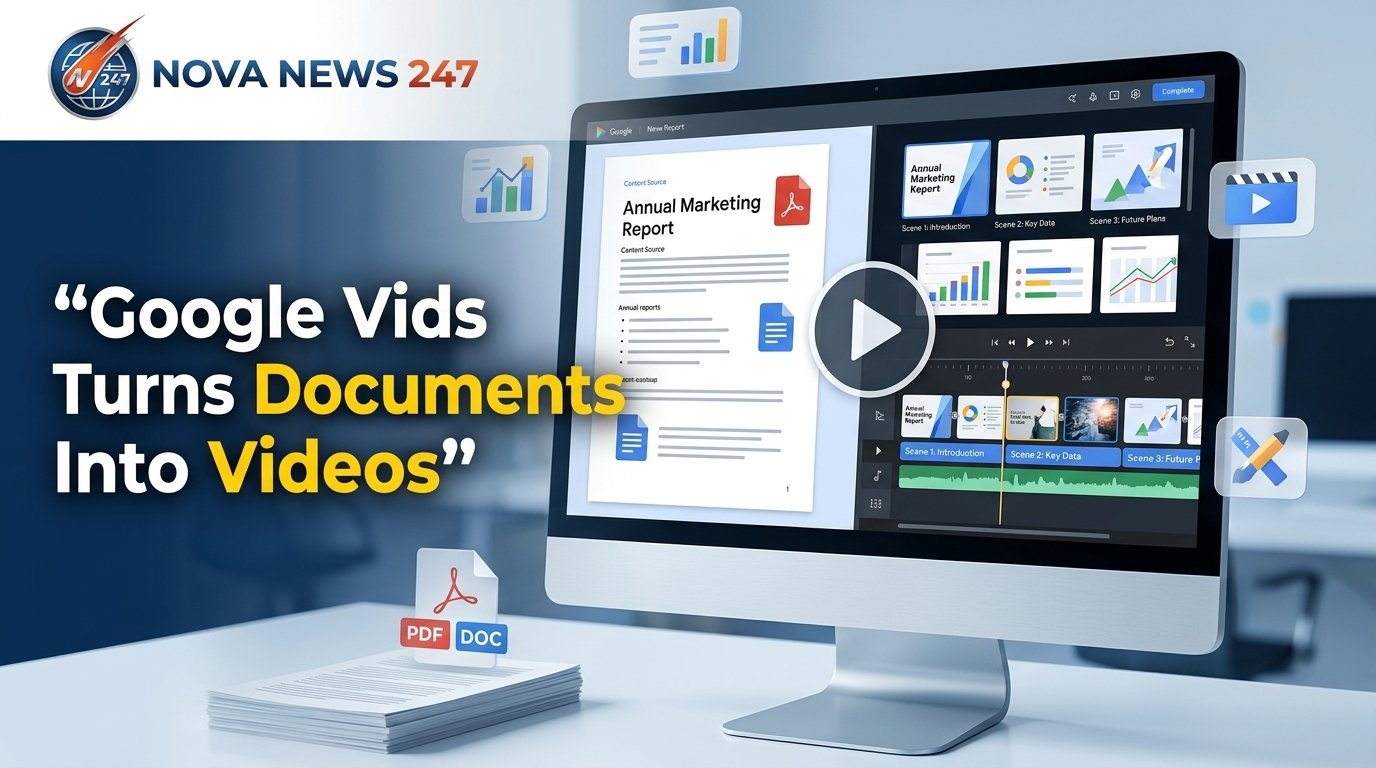
Google is making it easier to turn lengthy documents into short, useful videos. The company has added a new Docs to Video feature to Google Vids that can transform Google Docs, PDF files, and Microsoft Word documents into video summaries.
The feature is aimed at people who regularly work with long reports, training material, meeting notes and other documents. Instead of creating a video from scratch, users can give Google Vids an existing document and let the tool prepare the main parts of the video.
Google announced the feature through its Workspace Updates blog on September 2, 2026. The rollout is already available on Rapid Release domains, while users on Scheduled Release domains may see it gradually over a period of up to 15 days starting September 5.
1. Google Vids Can Turn Documents Into Video Summaries
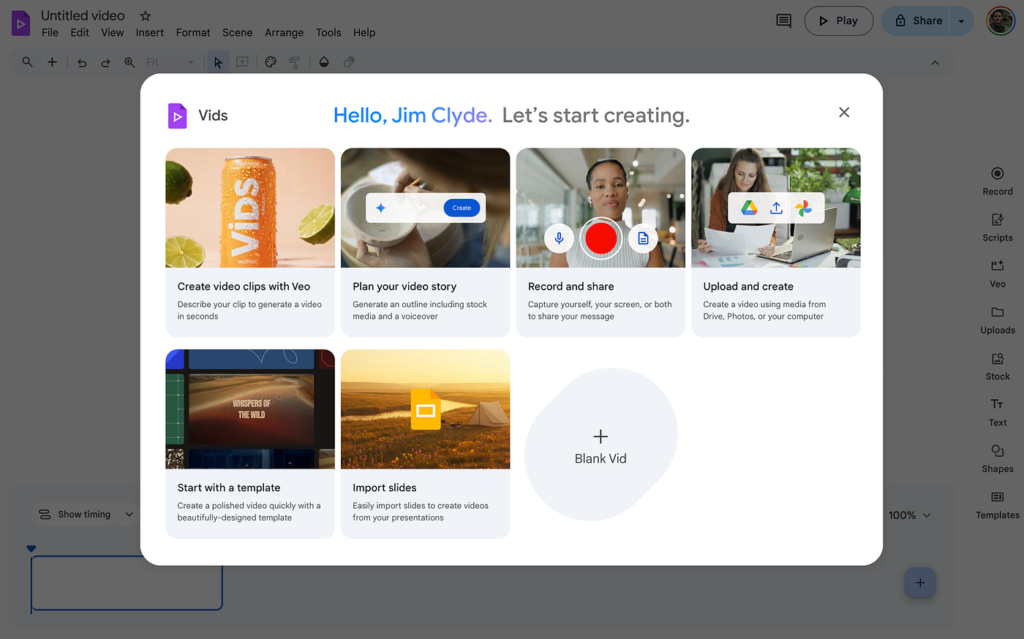
The main addition is a new Docs to Video option inside Google Vids. It allows users to start with an existing document instead of beginning with a blank video project.
Users can select a file from Google Drive or upload a document from their computer. Google Vids supports Google Docs, PDF and Word files for this feature.
Once the document is selected, Vids examines its content and prepares a video based on the information inside the file.
This can be useful when a document contains several pages of information but the audience only needs the main points.
2. The Tool Creates a Script
Writing a video script can take time, especially when the original material is a long report or training document.
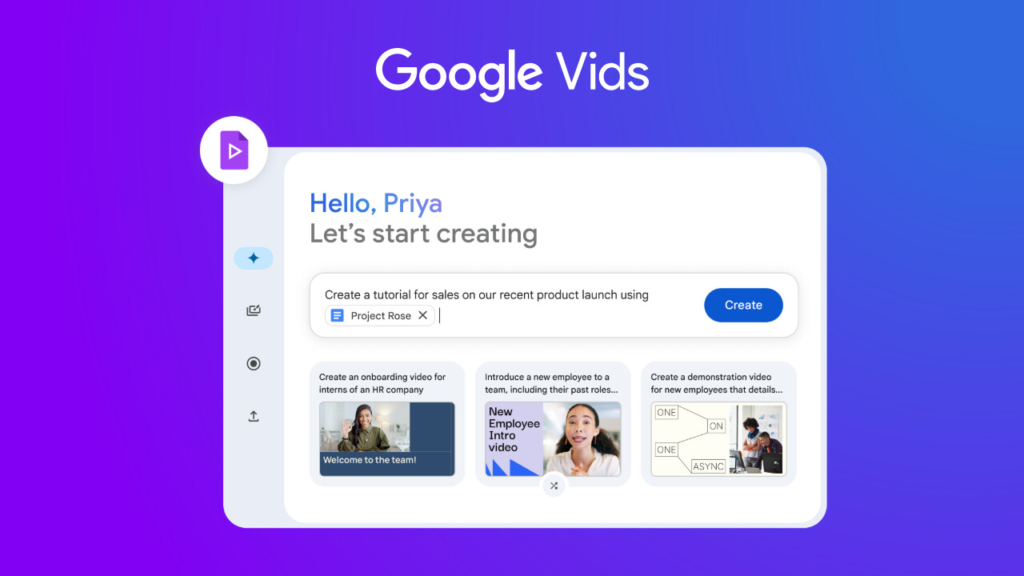
With the new Google Vids feature, the document is used to prepare a script for the video. The content is organized into sections so that the information can be presented in a more watchable format.
Users are not locked into the first version. The script can be reviewed and changed before the video is completed.
This gives users more control over what appears in the final video.
3. Documents Can Be Divided Into Scenes
Google Vids does more than simply read the document aloud. The information can be arranged into separate video scenes.
For example, a report containing several major sections can be turned into different parts of a video. Users can review the scenes, remove information they do not need or change parts of the script.
This structure can make lengthy information easier to follow, particularly for training and business content.
4. Google Vids Adds Narration
Another useful part of the feature is narration.
Google Vids can create narration for the video instead of requiring users to record every section themselves. Users can also change the narration voice before producing the final version.

For businesses and teams, this could reduce the time needed to prepare presentations and training material.
Someone with a long internal document, for example, could turn the key information into a narrated video that employees can watch when they have time.
5. It Can Add Visuals to the Video
A document is mostly text, but a video needs visual content to keep viewers interested.
Google Vids can build the video with visuals and backgrounds along with the script and narration. This gives users a starting point that they can edit before sharing the finished project.
Google has already been adding several video creation tools to Vids. The platform supports features such as templates, animations, transitions, voiceovers and other editing options. Google previously described Vids as a Workspace tool designed for work-related videos, including training, business updates, marketing and meeting recaps.
6. Long Reports Could Become Easier to Review
One of the biggest benefits of Google Vids documents to video is the ability to make long written material easier to review.
A lengthy training document may contain important information, but employees may not have enough time to read every page carefully. A video summary can present the main information in a different format.
The same idea could be useful for meeting notes, reports and other documents that people need to understand quickly.
Google specifically highlights training material, meeting notes, lengthy documentation and reports as possible uses for the new feature.
7. Users Can Edit the Result Before Sharing
The generated video is not meant to be a final product that users have no control over.
Google Vids allows users to review and edit the material. They can change the script, remove sections and select another narration voice before producing the final video.
That editing option is important because automated summaries may not always match the exact message a person wants to deliver.
By checking the script and scenes first, users can make sure the final video contains the right information.
How to Use Google Vids to Turn a Document Into a Video
Getting started with the new feature is straightforward.
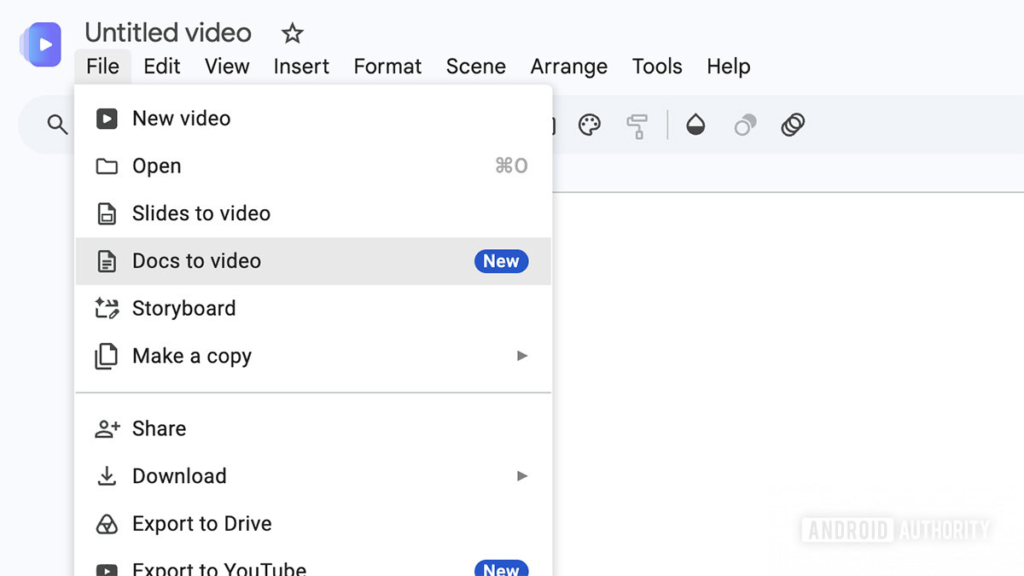
- Open Google Vids.
- Open the File menu.
- Select Docs to Video.
- Choose a supported document from Google Drive or upload one from your computer.
- Let Google Vids prepare the video content.
- Review the generated scenes and script.
- Edit or remove sections if necessary.
- Select a narration option.
- Review the video before sharing it.
Google says there is no separate admin control or end-user setting required for the new feature. Rapid Release users can access it now, while Scheduled Release users will receive it gradually starting September 5, 2026.
Who Can Benefit From the New Google Vids Feature?
The feature could be useful for a wide range of Google Workspace users.
Businesses: Companies can turn reports, announcements and training documents into videos for employees.
Teachers and trainers: Long educational or training material can be converted into a video format that is easier for learners to review.
Project teams: Meeting notes and project documents can be presented as short video summaries.
Marketing teams: Written campaign information can be used as a starting point for video content.
Students and researchers: Long documents can potentially be reviewed through shorter video summaries, although important information should still be checked against the original file.
Google Vids Is Becoming More Useful
Google Vids has been expanding beyond basic video editing. Google previously added the ability to create videos from Google Slides using Gemini, including suggested scenes, scripts, voiceovers and background music.
The new document-to-video feature takes that idea a step further by allowing users to start with common document formats.
Instead of copying information from a report, writing a script and building every scene manually, users can begin with the document itself and then edit the result.
Final Thoughts
The new Google Vids documents to video feature could be a useful option for people who work with large amounts of written information. By supporting Google Docs, PDFs and Word files, Google is making it easier to move information from a traditional document into a video format.
The biggest advantage is the time saved during the early stages of video creation. Google Vids can prepare the script, scenes, narration and visuals, while users can still review and edit the result before sharing it.
The feature is now rolling out, so availability may depend on the type of Google Workspace account a user has.
For people who regularly work with reports, training documents and meeting notes, Google Vids could offer a faster way to turn written information into something easier to watch and share.