5 Fun Reasons Google Photos Me Meme AI Changes How You Make Memes
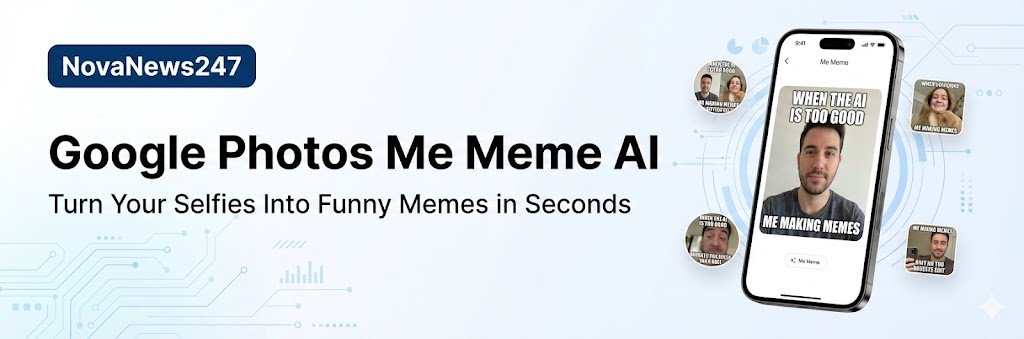
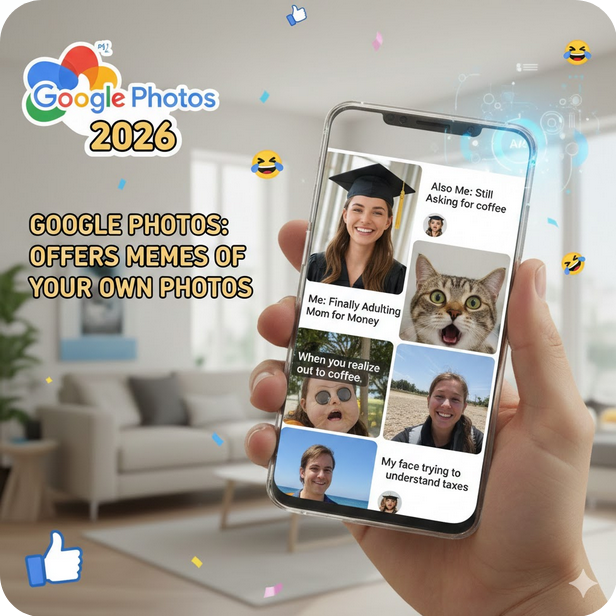
Google Photos Me Meme AI is a new feature that turns your own photos into funny, personalised memes in just a few taps. It lives inside the Google Photos app and uses generative AI to add your face to popular meme templates.
What Is Google Photos Me Meme AI?
Google Photos Me Meme AI is an AI‑powered meme creator inside the Google Photos “Create” tab. Instead of using a separate meme app or editing text by hand, you can pick a selfie and a template, and the tool will build the meme for you automatically.
Google says Me Meme uses generative AI to help you “turn yourself into a meme” with funny, share‑ready images. The goal is to make meme creation simple even for normal users who do not know complex editing tools.
How Google Photos Me Meme AI Works
Using Google Photos Me Meme AI is designed to be very easy. You only need two main things: a meme template and a photo of yourself.
- Open the Google Photos app on your Android or iOS phone.
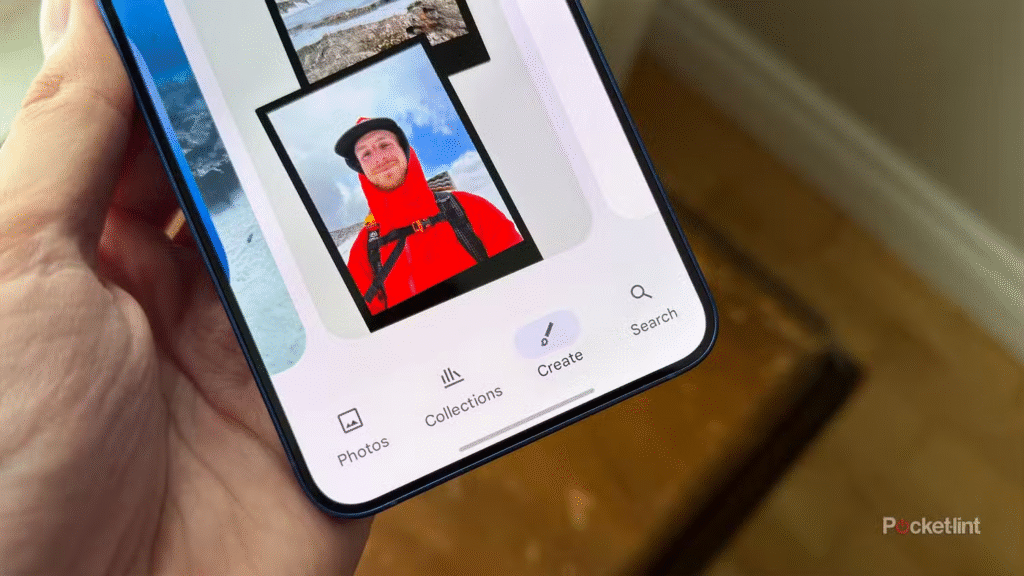
- Go to the Create section at the bottom.
- Tap the Me Meme option.
- Choose a meme template from Google’s presets or upload your own funny picture as a template.
- Pick a clear, front‑facing photo of yourself from your gallery.
- Let Google Photos Me Meme AI blend your face into the meme and generate the final image.
You can usually change captions, tweak the text, or try a different template if the first meme does not match your idea.
Where Is Me Meme Available Right Now?
At the moment, Google Photos Me Meme AI is rolling out as an experimental feature and is mainly available in the US. It works on both Android and iOS for users who have the latest version of Google Photos.
Google is expanding the feature step by step, so not everyone will see it on the same day. If the Me Meme option is missing for you, it likely means the rollout has not reached your country or account yet.
Key Features of Google Photos Me Meme AI
Google Photos Me Meme AI adds several interesting tools for meme fans and casual users. Some of the main highlights include:
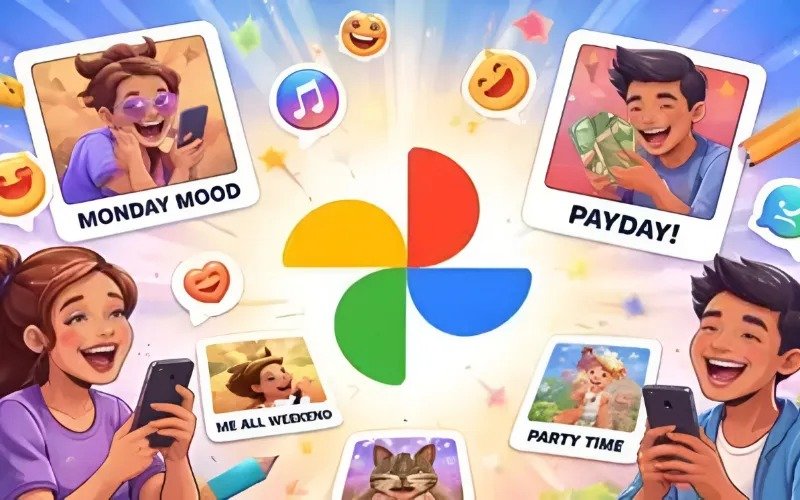
- Personalised memes with your own face: The AI takes your photo and places it into famous meme formats, so you become the main character of the joke.
- Quick and guided experience: Unlike more complex AI tools, Me Meme lives in the Photos app you already use and guides you with simple steps.
- Preset templates and custom uploads: You can use Google’s preset meme templates or upload one of your own funny pictures as the base.
- Editable captions: Many templates let you adjust the top and bottom text so the meme fits your story or punchline.
- Safe by design: Me Meme only runs on photos you select and stores creations in your Google Photos library until you decide to share them.
Why Google Photos Me Meme AI Matters
Google Photos already has tools like Photo to video, Create with AI, Collage, and Remix for creative content. By adding Google Photos Me Meme AI, Google is pushing Photos deeper into fun, social, shareable content, not just backups and basic edits.
It also lets Google compete with other AI apps and social platforms that offer smart editing and meme creation. For everyday users, it means you no longer need separate meme apps or graphic design skills to make something funny for your friends.
Benefits of Using Google Photos Me Meme AI
For normal users, Google Photos Me Meme AI offers some clear advantages:
- Easy access inside an app you already use for photos.
- No need to learn complex editing software.
- Personal, face‑based memes that feel more relatable.
- Faster creation, so you can react to trends quickly.
- Direct save and share inside Google Photos, without extra exports.
For content creators and social media users, this can be a quick way to add humour and personality to posts, stories, or status updates.
How to Get the Best Results With Me Meme
To make the most of Google Photos Me Meme AI, you can follow some simple tips:
- Use a clear, front‑facing selfie with good lighting so the AI can recognise your face easily.
- Choose templates that match your expression or mood.
- Keep text short and readable, especially if you plan to share on mobile platforms.
- Test a few different templates before you decide which meme looks best.
- Save your best memes in a dedicated album inside Google Photos for quick access later.
These small steps will help your Google Photos Me Meme AI creations look cleaner and more engaging when you share them.
Privacy and Safety Questions Around Me Meme
Whenever AI tools use personal photos, privacy becomes an important topic. Google says that Google Photos Me Meme AI runs only on photos you pick and generates content inside your own account.
The memes stay in your Google Photos library until you decide to download or share them. Still, users should be careful when sharing memes that include their own face, especially on public platforms, because once an image is online, it can spread very quickly.
Who Will Love Google Photos Me Meme AI?
Google Photos Me Meme AI will likely be very popular with:
- Teenagers and students who share memes in group chats.
- Casual users who enjoy light, funny content on social media.
- Creators who want quick, personal meme reactions for news and trends.
- Families who like making inside jokes using their own photos.
Because it is built into Google Photos, Me Meme can also be a gentle entry point to AI tools for people who feel nervous about using more advanced AI apps.