Google finally lets you change Gmail address without losing any data
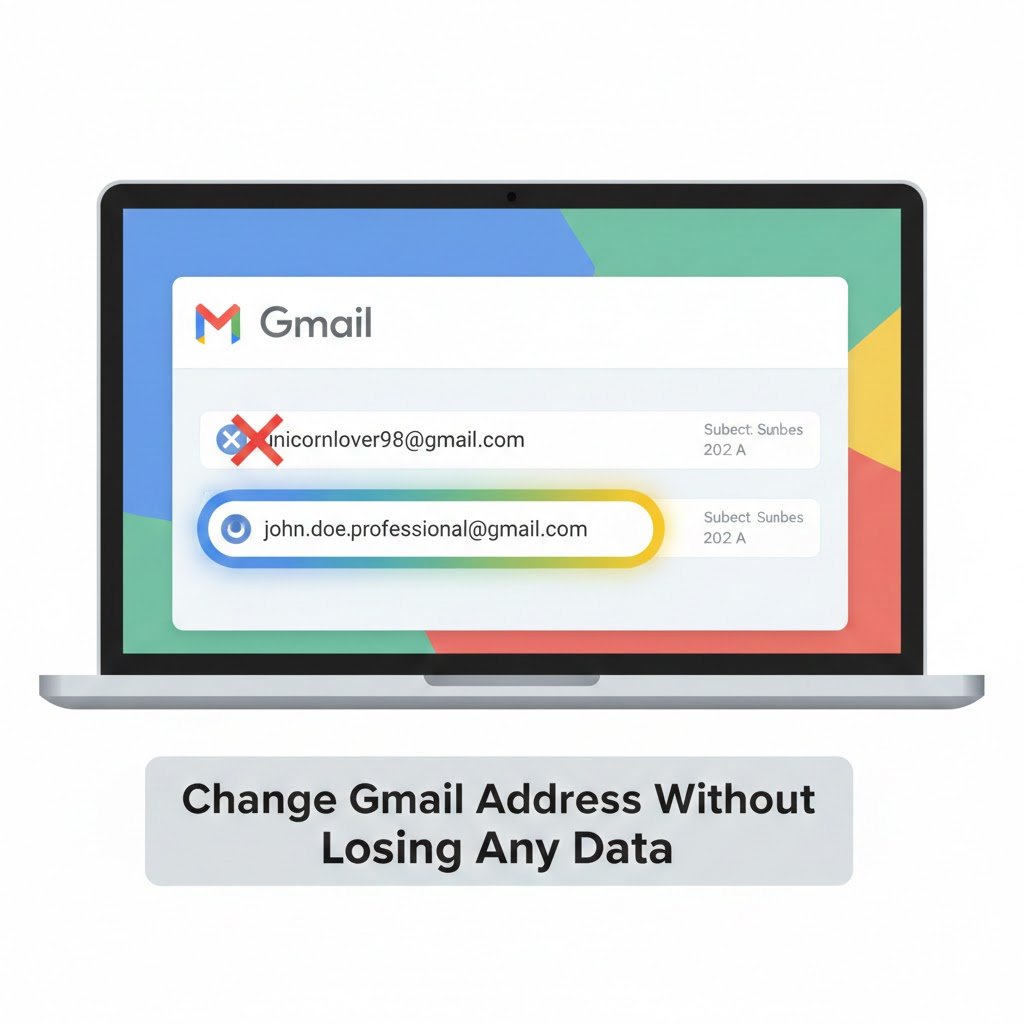
Google is finally rolling out a long‑awaited update that allows users to change Gmail address without losing any data or breaking their connected services.
Instead of creating a new account and moving everything manually, Gmail account holders can now replace their existing @gmail.com address with a new one and keep the same Google Account.
- Your old Gmail address stays active as an alias, so emails sent there will still reach your inbox.
- All data linked to your account—emails, messages, photos and Drive content—remains untouched when you change Gmail address without losing any data.
Why changing Gmail address without losing any data matters
For a long time, people were stuck with usernames they chose as teenagers, even when those names no longer fit their professional or personal identity.
With this new feature to change Gmail address without losing any data, users can finally update to a clean, modern email address without sacrificing years of history.
- Social media reactions show relief and humor, with users joking that this feature was needed in 2005 but is only arriving in 2025.
- Many people are excited to move away from “cringe” usernames while keeping everything stored in their Google Account.
Who benefits most from the new Gmail feature?
The ability to change Gmail address without losing any data is especially helpful for several groups of users.
- Working professionals: They can switch from casual or silly usernames to simple, professional addresses without losing business emails, contacts or documents.
- People who changed their names: Members of the transgender community and anyone who has changed their legal or preferred name can choose a new address that reflects who they are now, while still keeping their old data.
- Privacy‑minded users: Those who no longer want their full name in their email can choose something more private and still change Gmail address without losing any data.
Limits when you change Gmail address without losing any data
There are some important rules attached to this feature, even though it lets you change Gmail address without losing any data.
- It only works for accounts that end in @gmail.com, and the new address must also be an @gmail.com address.
- Google is rolling out the feature gradually, and its English help pages still show the old guidance in some regions, so not everyone will see the option yet.
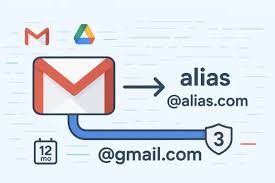
- After you change Gmail address without losing any data, you cannot register another new email address on that same Google Account for 12 months.
- Your original address remains available as an alias, so you can still receive mail and sign in with it, even after switching to the new address.
How to change Gmail address without losing any data
If you want to check whether you can already change Gmail address without losing any data, follow these simple steps in your account.
- Open Gmail and click “Manage your Google Account” in the top‑right corner.
- In the left menu, go to the “Personal info” section.
- Under “Contact info”, click your Gmail email address.
- If the feature is live for you, you will see the option “Change your Google Account email address.” Click it.
- Enter the new @gmail.com address you want, confirm that it is available, and complete the change.
Once you change Gmail address without losing any data using this method, all your Google services—Gmail, Drive, Photos, Maps, YouTube and more—continue working exactly as before.
How this compares to other email services
Other providers like Microsoft Outlook have allowed users to add aliases and change their primary address for years, without forcing them to move data manually.
Until now, most Gmail users who wanted a new address had to create a new account and transfer emails, contacts and files, which was slow and sometimes incomplete.
- With the ability to change Gmail address without losing any data, Google is finally closing this gap and offering a more flexible email identity system.
- Users can keep their account history and reputation while presenting a cleaner, more professional Gmail address to the world.

What people are saying about changing Gmail address without losing any data
Online reactions show how important it is for people to change Gmail address without losing any data instead of starting over.
Posts on X and Reddit highlight both the emotional side of leaving behind old usernames and the practical relief of not having to migrate years of email.
- Some users joke that embarrassing addresses from their youth can finally be retired, even if the memories stay.
- Others say they might keep funny usernames as a secondary identity while using the new address for serious work and official accounts.
Final thoughts on changing Gmail address without losing any data
The new Google feature to change Gmail address without losing any data is a major upgrade for anyone who feels stuck with an outdated or uncomfortable email identity.
As the rollout expands, more users will be able to switch to a fresh Gmail address in just a few clicks while keeping every email, photo and file exactly where it belongs.