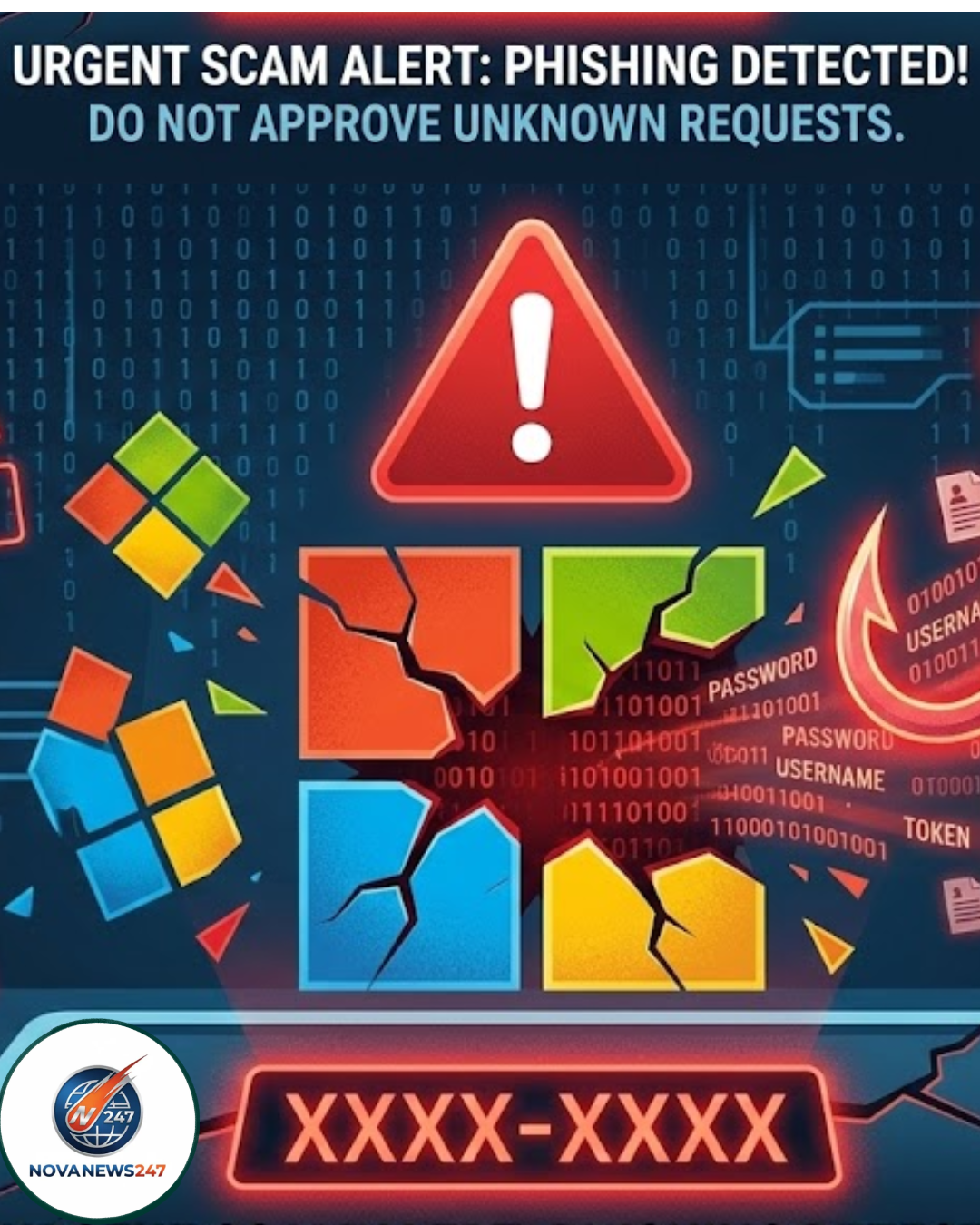
Warning: New Microsoft Scam Exploits Security Feature to Steal Accounts – 5 Must-Know Protection Tips
In today’s digital world, staying ahead of hackers is tougher than ever. A fresh scam targeting Microsoft users is making waves, and it’s sneaky because it flips a trusted security tool against you. If you’re using Microsoft 365 or any related services, this could hit close to home. Let’s break it down step by step so you know exactly what’s happening and how to dodge it.
What Exactly Is This Microsoft Scam?
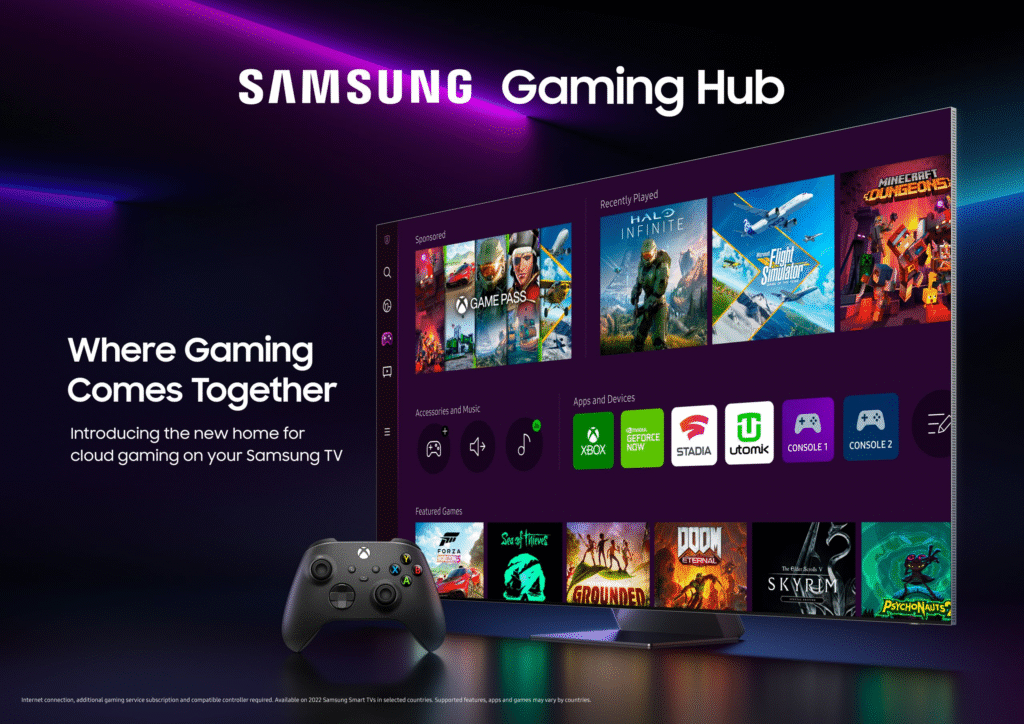
Hackers have found a way to misuse Microsoft’s device code login system. This feature is designed for logging in on devices that can’t show a full login page, like smart TVs or gaming consoles. But now, it’s being twisted into a phishing trap.
The scam doesn’t need your password. Instead, attackers create a login code on their end and trick you into entering it on your own device. Once you do, they gain full access to your account. It’s spreading fast through fake emails that look just like official Microsoft alerts.
How Does the Device Code Phishing Work?
Understanding the process helps spot the danger early. Here’s how it unfolds in simple terms:
- Hackers Start the Login: They begin a session on their device, which generates a real Microsoft code.
- They Send It to You: You get an email or message pretending to be from Microsoft. It urges you to enter the code right away, often claiming it’s for security reasons or to fix an issue.
- You Enter the Code: Thinking it’s legit, you log in to the official Microsoft site and input the code. This hands over an access token to the hackers.
- They Take Control: Now they can log in as you, read your emails, access files, or even lock you out.
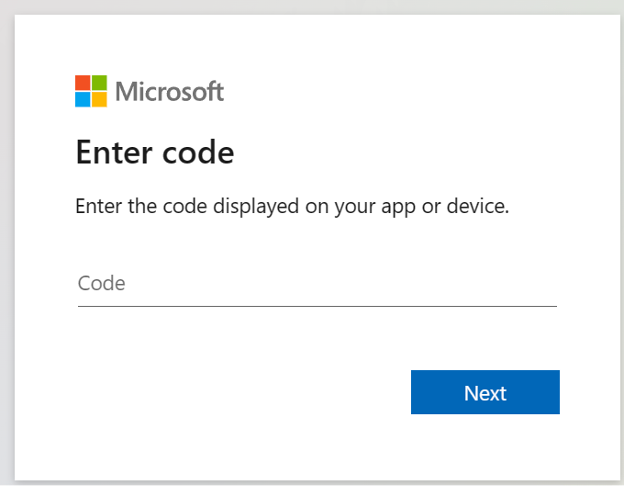
This method stands out because it uses Microsoft’s own system, making it hard for antivirus software or your gut instinct to flag it as fake.
Why Is This Scam So Dangerous?
Traditional phishing asks for passwords or clicks on bad links, which many people now avoid. But this one feels safe since you’re dealing with a genuine Microsoft page. No stolen credentials needed – just your trust in the system.
Reports show it’s hitting businesses and everyday users alike, leading to data theft, financial loss, or worse. With Microsoft accounts linked to email, work docs, and cloud storage, the fallout can be huge.
5 Essential Tips to Protect Your Microsoft Account
Don’t panic – a few smart habits can keep you secure. Follow these steps to block this scam in its tracks:
- Only Use Codes You Request: If you didn’t start the login process yourself, ignore any code that shows up unexpectedly.
- Check for Unsolicited Messages: Microsoft won’t send random codes via email or text. Treat them as red flags and delete them.
- Verify Notifications: If you get a multi-factor authentication (MFA) prompt out of nowhere, deny it and report it through your account settings.
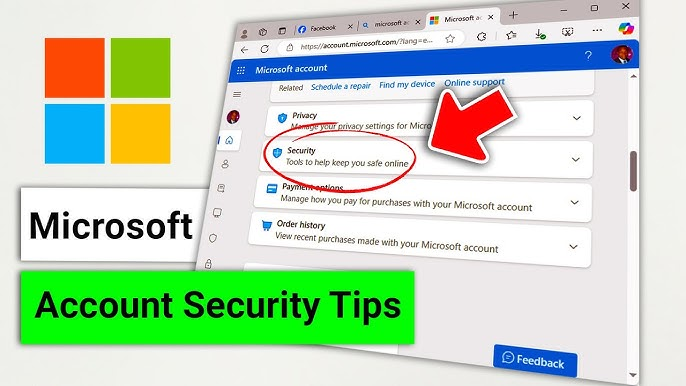
- Monitor Your Activity: Log in to your Microsoft account regularly and review recent logins. Look for unfamiliar devices or locations.
- Enable Extra Security: Turn on advanced features like app passwords or hardware keys for added layers of protection.
Sticking to these will make it much harder for hackers to succeed.
Final Thoughts on Staying Safe from Microsoft Scams
This new twist on phishing shows how cybercriminals keep evolving. By knowing the signs and acting cautiously, you can protect your info without much hassle. Share this with friends or colleagues who use Microsoft – awareness is the best defense.
If you’ve spotted something suspicious, contact Microsoft support directly through their official site. Stay vigilant, and keep your digital life locked down.