Google Brings Lyria 3 Music Generation to the Gemini App
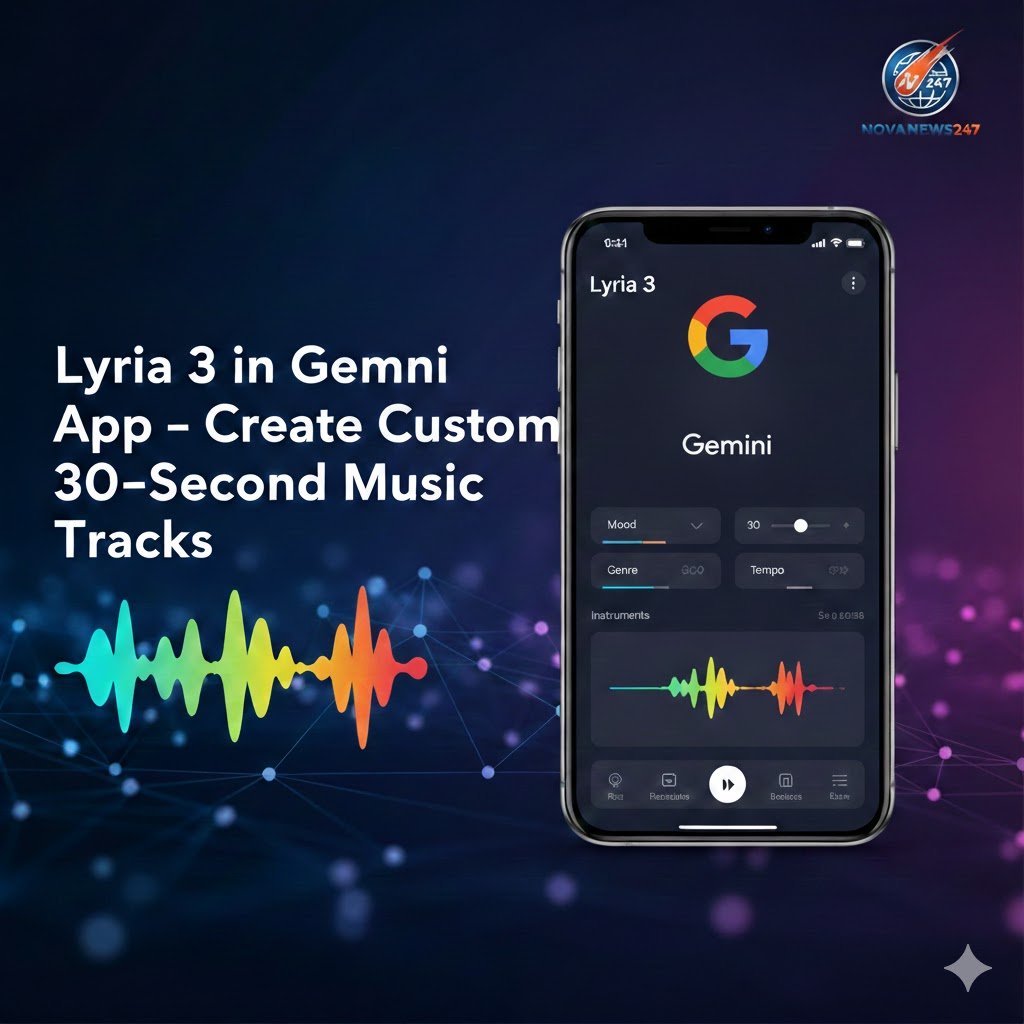
Google has started rolling out its latest music generation model, Lyria 3, inside the Gemini app, giving users an easy way to create 30‑second music tracks in just a few seconds. The feature is currently in beta and is designed to make music creation more accessible for everyday users and content creators.
Lyria 3 builds on Google DeepMind’s earlier Lyria models and focuses on creative, original music generation rather than copying existing artists or songs. The update is part of Google’s broader effort to turn the Gemini app into a hub for creative tools, including image, video and now music.
What Is Lyria 3 in the Gemini App?
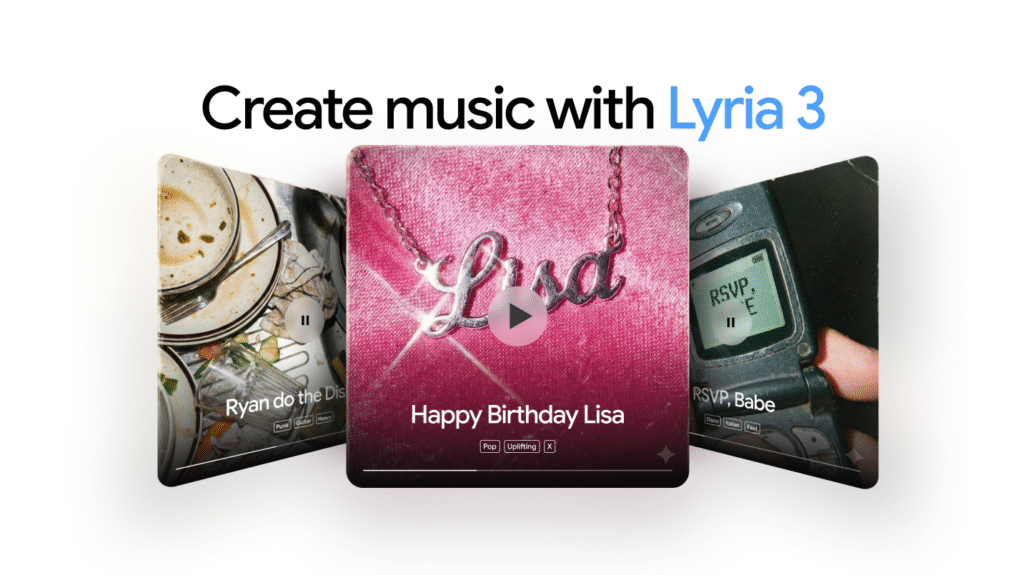
Lyria 3 is Google DeepMind’s most advanced music generation model, now integrated into the Gemini app for users aged 18 and above. With this model, users can turn a short text description or even an image or video into a fully produced, 30‑second music clip with vocals or instrumentals.
The model is available in multiple languages, including English, German, Spanish, French, Hindi, Japanese, Korean and Portuguese, with plans to expand support further over time. Google AI Plus, Pro and Ultra subscribers also get higher usage limits compared to regular users, making it more useful for frequent creators.
Key Improvements in Lyria 3
According to Google, Lyria 3 improves on earlier versions in three main ways.
- It can generate lyrics for you automatically based on your prompt, so you do not need to write your own words.
- It gives more control over creative elements like style, vocals and tempo, helping you match the track to a specific mood or genre.
- It produces more realistic and musically complex tracks, making the short clips sound more polished and engaging.
These improvements aim to make music generation feel more natural and flexible, especially for people who do not have technical music production skills.
How to Create Music with Lyria 3 in Gemini
Users can interact with Lyria 3 in the Gemini app in two main ways.
1. Create Music from Text (Text to Track)
You can type a detailed prompt describing the mood, genre, theme or story you want in your track. For example, Google shares a prompt like: a nostalgic afrobeat track for a mother, filled with childhood memories and home‑cooked plantains. The app then generates a 30‑second track with matching lyrics or instrumental music that fits the description.
This mode is useful for personal messages, greetings, or fun, shareable tracks based on inside jokes or specific memories.
2. Create Music from Photos and Videos
You can also upload a photo or video, and Gemini will analyse the content to compose a track that matches the mood of the visual. For instance, a set of hiking photos with a dog could be turned into a playful song about the dog exploring the woods.
In both cases, the Gemini app automatically creates custom cover art for each track, powered by a model called Nano Banana. The final track can be downloaded or shared directly using a link, making it easy to post on social platforms or send to friends.
Lyria 3 and YouTube Dream Track for Creators
Beyond the Gemini app, creators can also access Lyria 3 through YouTube’s Dream Track feature. This tool helps YouTube Shorts creators generate unique soundtracks, lyrical verses or background music tailored to their videos.
Dream Track was initially available in the U.S., and Google is now expanding it to more creators in other countries. With Lyria 3, the quality of these automatically generated Shorts soundtracks is expected to improve, helping creators stand out with more customised audio.
Built‑In Watermarking and Audio Verification with SynthID
To address transparency around AI‑generated content, every track created through Lyria 3 in the Gemini app is tagged with SynthID, Google’s imperceptible watermarking technology for AI content. This watermark is not audible to listeners but can be detected by Google’s tools.
Google has also expanded its verification features in the Gemini app to cover audio, alongside image and video. Users can upload a file and ask whether it was generated using Google AI; Gemini will then check for SynthID and use its reasoning capabilities to return an answer.
Responsible Development and Copyright Safeguards
Google says it has developed Lyria 3 in close collaboration with the music community and with a focus on responsible use. The company mentions experiments like Music AI Sandbox as part of this learning process and states that it has been careful about copyright and partner agreements while training the model.

Lyria 3 is designed for original expression rather than copying, and if a user names a specific artist in the prompt, the system treats it as broad inspiration instead of trying to mimic that artist’s exact voice or style. Google has also added filters that check generated audio against existing content, and users can report tracks that may violate their own or others’ rights.
Additionally, users must follow Google’s Terms of Service and its generative AI prohibited use policies, which ban activities that infringe on intellectual property or privacy rights. These safeguards aim to balance creative freedom with protection for artists and rights holders.
Where and How to Access Lyria 3
Lyria 3 is rolling out now in the Gemini app on desktop and will reach the mobile app over the next several days. Anyone aged 18 or above in supported languages can start using it once the feature appears in their app.
Users can try music generation directly at gemini.google.com/music and through the Gemini interface. For heavier usage, such as frequent content creation or experimenting with multiple ideas, Google AI Plus, Pro and Ultra plans offer higher limits.
What This Means for Everyday Users and Creators
For casual users, Lyria 3 turns the Gemini app into a simple tool for making fun, personalised soundtracks for daily life moments, celebrations or social sharing. You can create songs about family, friends, pets, trips or memories without needing any musical training.
For creators, especially those active on YouTube Shorts and other short‑form video platforms, Lyria 3 offers a fast way to generate custom backing tracks and verses that match specific content. Combined with built‑in watermarking, verification tools and responsible development practices, Google is positioning Lyria 3 as both a creative aid and a system designed with safety and copyright in mind.